Physical Address
I-14/4, Islamabad, Pakistan
Physical Address
I-14/4, Islamabad, Pakistan


At present, the professional world is highly competitive, and writing effective emails has become an essential task. No matter whether you are in marketing, HR, customer service, operations, freelancing, IT, or management, email remains the primary channel for official communication. However, the daily writing of high-quality emails can consume considerable time — especially in the case of pitches, updates, follow-ups, proposals, reminders, and customer responses. This is the exact point where the free AI email generator tool comes in like a knight in shining armor.
Natural language processing is the technology behind these platforms that enables them to deliver professional, clear, and context-aware emails within seconds. You just need to give your instructions, and the email writing AI will come up with a polished draft. These tools help the professionals not only save their precious time but also maintain the accuracy and maintain a particular writing style.
In this guide, you will find a thorough analysis of the best AI email generator tools, their features with pros and cons, comparison charts, FAQs, etc. Whether you are searching for an AI email template generator, a free AI email generator, or a tool to enhance communication throughout your organization, this comprehensive review will facilitate your selection process.

AI email generators are web applications that use artificial intelligence as the backbone of their operation and help users create emails automatically. They take your input, analyze the tone, comprehend the goal, and create email drafts that are clear, accurate, and polished. The effort of writing each email manually can take 10–15 minutes, but an AI email generator free tool can produce a fully prepared message in just a few seconds.
The majority of the applications also come with additional functionalities such as changing the tone, fixing grammar, suggesting replies, and providing smart templates for marketing, sales, and customer support.
1. Tone Adjustment
Do you want to convey your message in a formal, friendly, confident, or persuasive manner? It just depends on the audience you target.
2. Quick Email Drafting
Make use of powerful AI writing models to create both long and short emails in just a few seconds.
3. Template Collection
The majority of the tools give access to premade templates for:
4. Grammar & Clarity Improvement
The top AI email generator guarantees that your communication is neat and without mistakes.
5. Contextual Awareness
AI tools for email writing know the following:
6. Response Creation
A few tools automatically create replies based on the emails received.
7. Time & Productivity Gains
A professional can free up a few hours each week by using an email generator AI-free platform.
1. Corporate Staff
For everyday communication, reports, follow-ups, and meeting emails.
2. Independent Contractors
For customer outreach, quotes, and updates regarding projects.
3. Startup Owners
For presentations, business proposals, and marketing communication.
4. Customer Support Teams
An AI email template generator can help reply quickly.
5. HR Professionals
Through job offers, interview scheduling, onboarding emails, and internal notifications.
6. Students
Through formal emails, internship requests, and assignment clarifications.
7. Content Creators
Through newsletter writing, brand collaboration emails, and outreach.

The increase in digital-first communication in the workplace has led to an increase in the number of emails that employees have to deal with in every company. The research states that the average worker sends and receives over 120 emails daily, which creates huge pressure on productivity. And this is the reason why AI email generator free tools are becoming necessities rather than just optional tools.
Basically, AI cuts down the process of repetitive writing, assures quality in writing, helps in communicating clearly, and still lets the person think in a more relaxed manner. For the companies that want to communicate massively, the AI-generated emails have become a prerequisite of professional communication.
Firms with a large workforce have started using email generator AI free software solutions for the purpose of cutting down the workload of their HR, support, and sales departments. Not only these big companies but also small companies, freelancers, and students are benefiting equally — hence, AI is going to be the same writing partner for all in the future.
In the world of professional emails, clarity, professionalism, and structure are the main requirements. Moreover, mistakes in grammar, tone, or alignment can not only create misunderstandings and damage brand image but also, eventually, lead to lost opportunities.
The use of AI in email writing makes such risks practically non-existent.
To give an example, the email writing AI tool can convert an unclear command like “remind my client” into a formatted, courteous, and polite reminder email that is full of details. Thus, every communication becomes refined according to the business standards.
Emails that are written professionally will have a great impact on the perception of others about you. AI is of assistance to professionals in maintaining a strong impression since every email is made to sound attentive, orderly, and assured.
Effectively Written Emails Allow You to:
Relying on the best AI email generator tools does not turn communication into a mere routine — it enhances its effectiveness.
Although the free tools include the provision of great basic features, the premium AI email writers offer more control and advanced features such professionals rely on.
1. Personalization Based on Behavior
AI has the ability to examine user behavior, engagement patterns, and preferences in order to create personalized emails that will ultimately lead to higher conversions.
2. Follow-up Automation
Some advanced email platforms will be able to:
3. Emotion & Tone Detection
Tools scan emotional tone and propose revisions for professionalism and persuasiveness.
4. CRM & Workflow Integrations
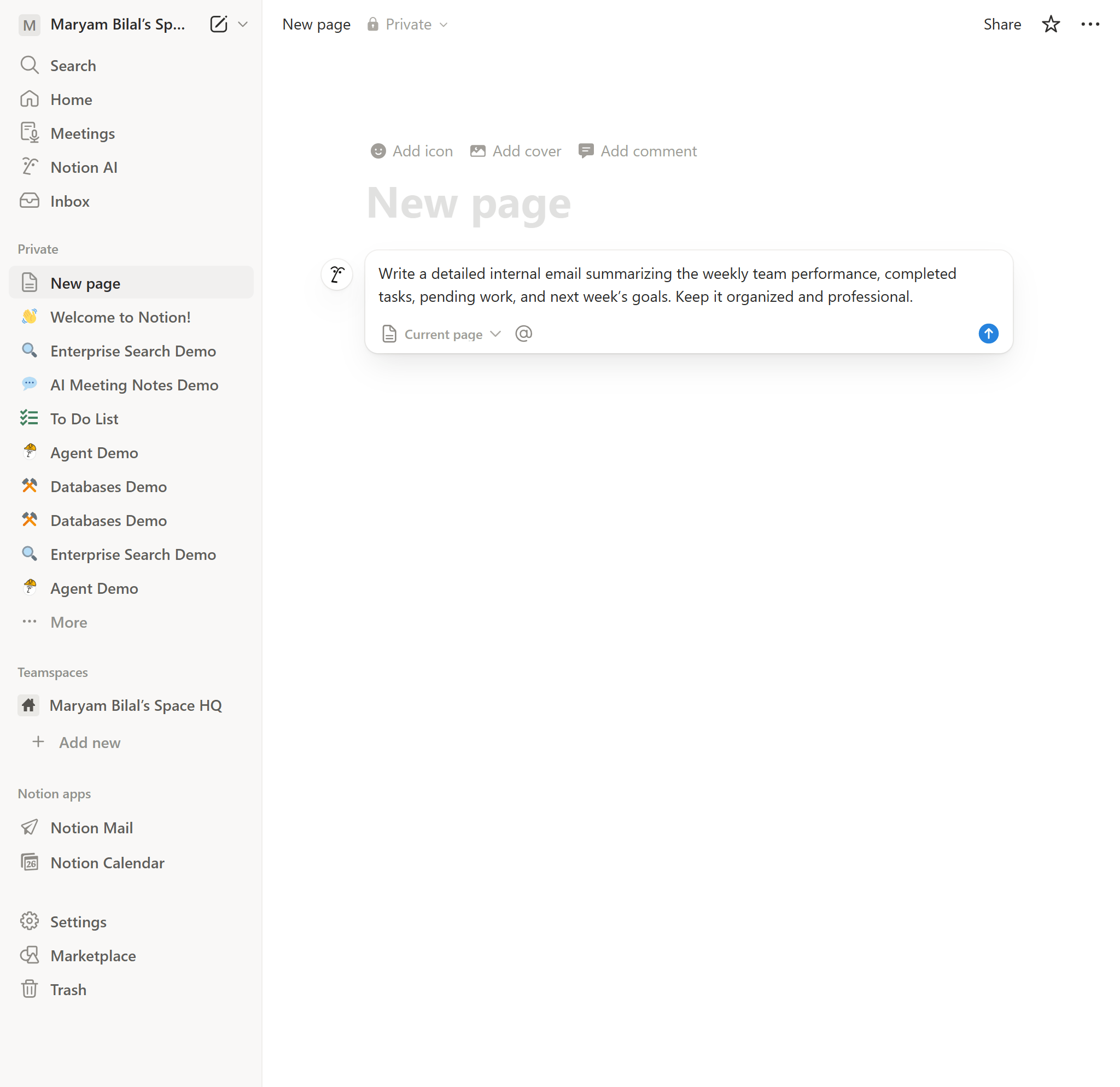
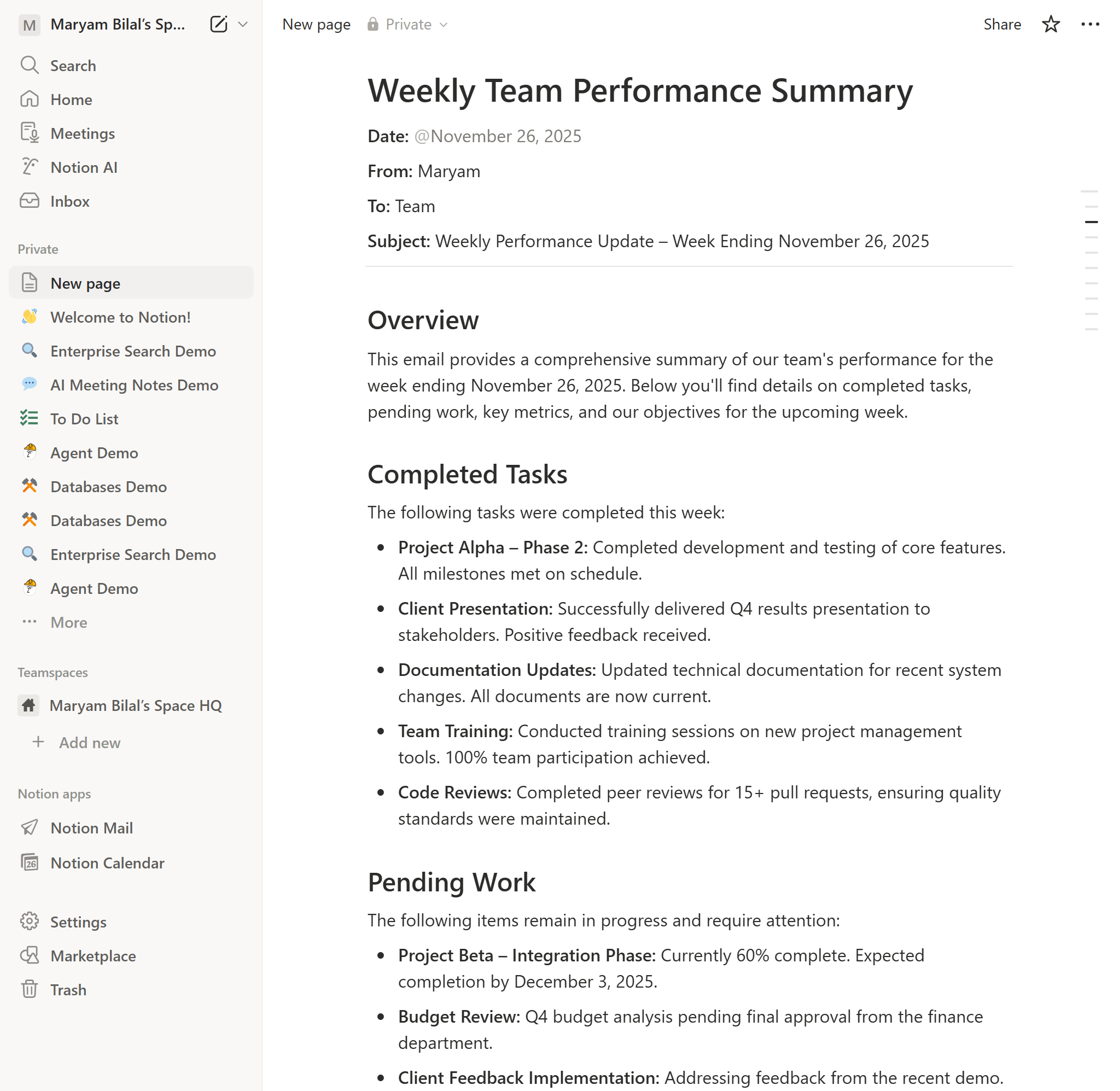
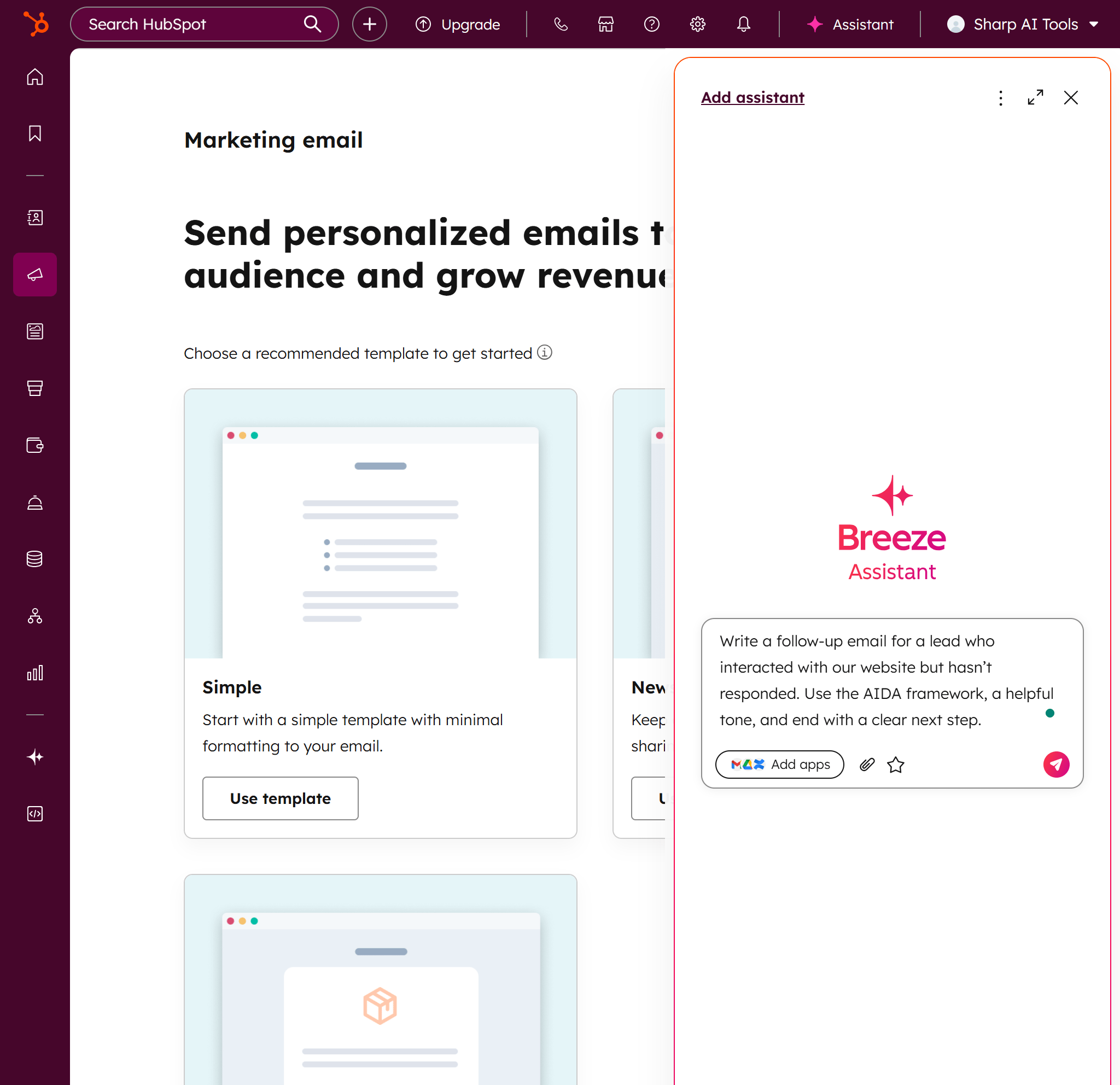
Mainly in HubSpot and Notion, where the created emails can be part of the customer journeys or the team workflows.
5. Multi-Language Support
Great for international teams who need to communicate in several languages.
Even though premium tools are available, the average user only requires the basics — and many free tools are providing excellent service.
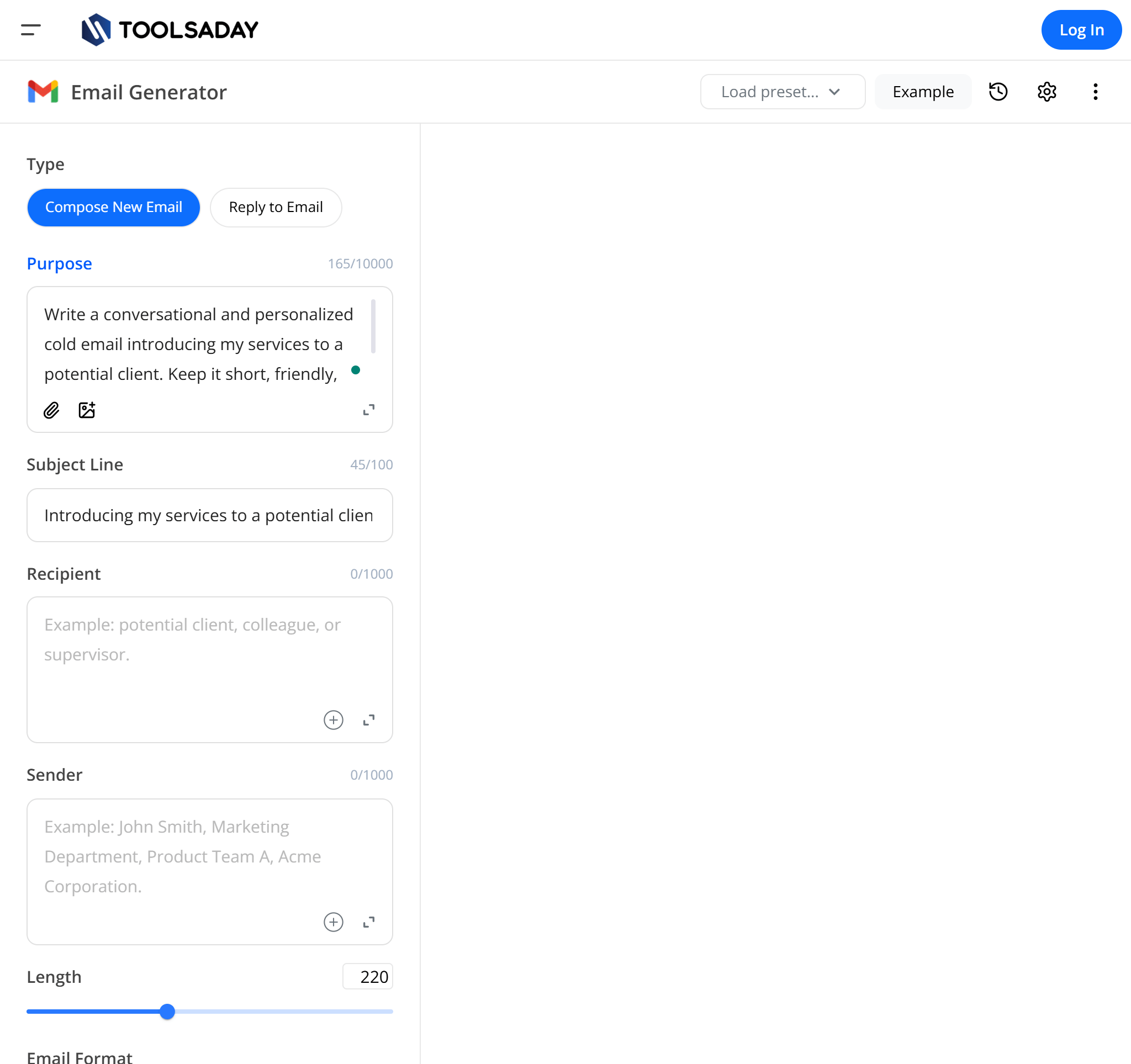
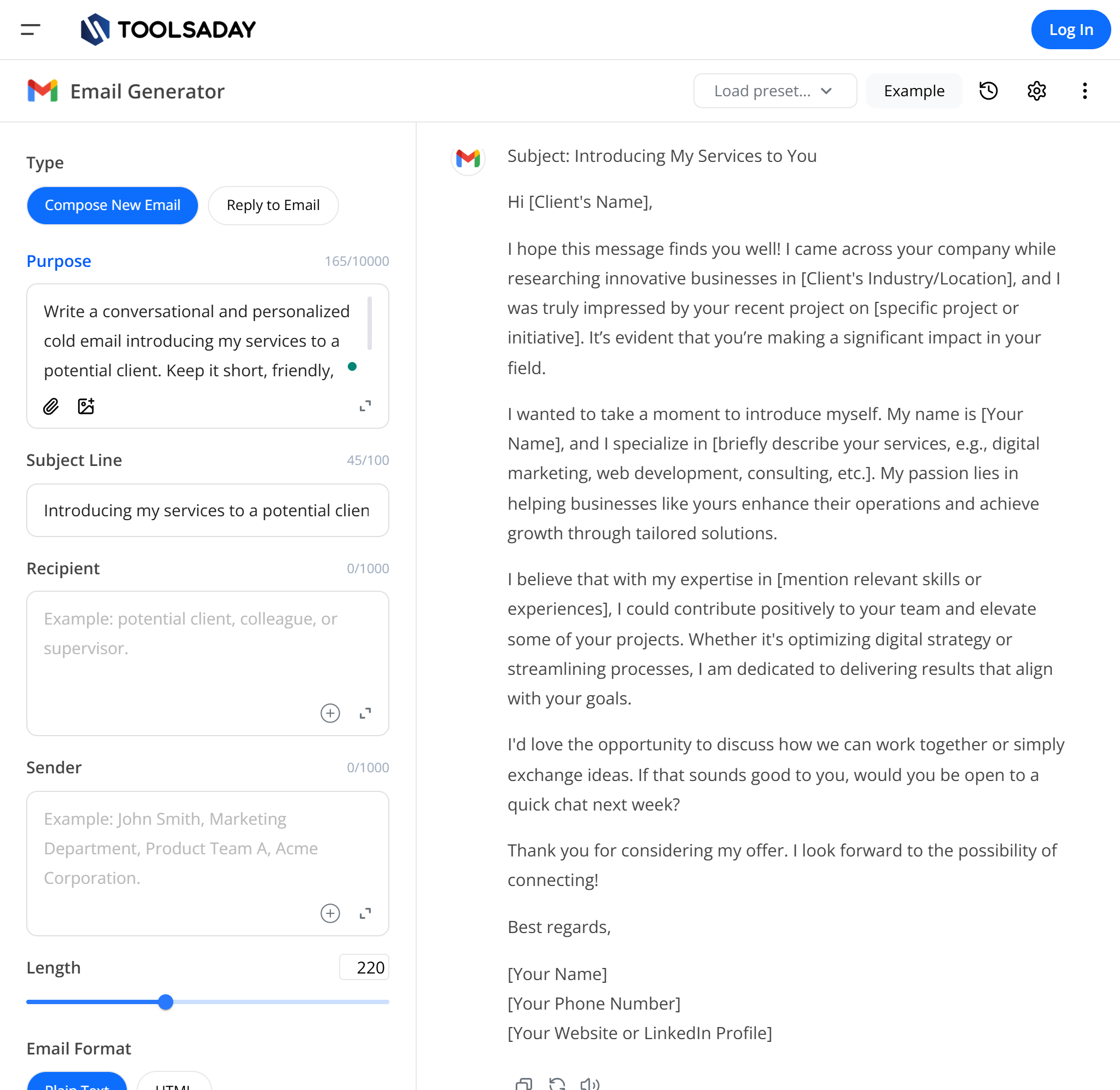
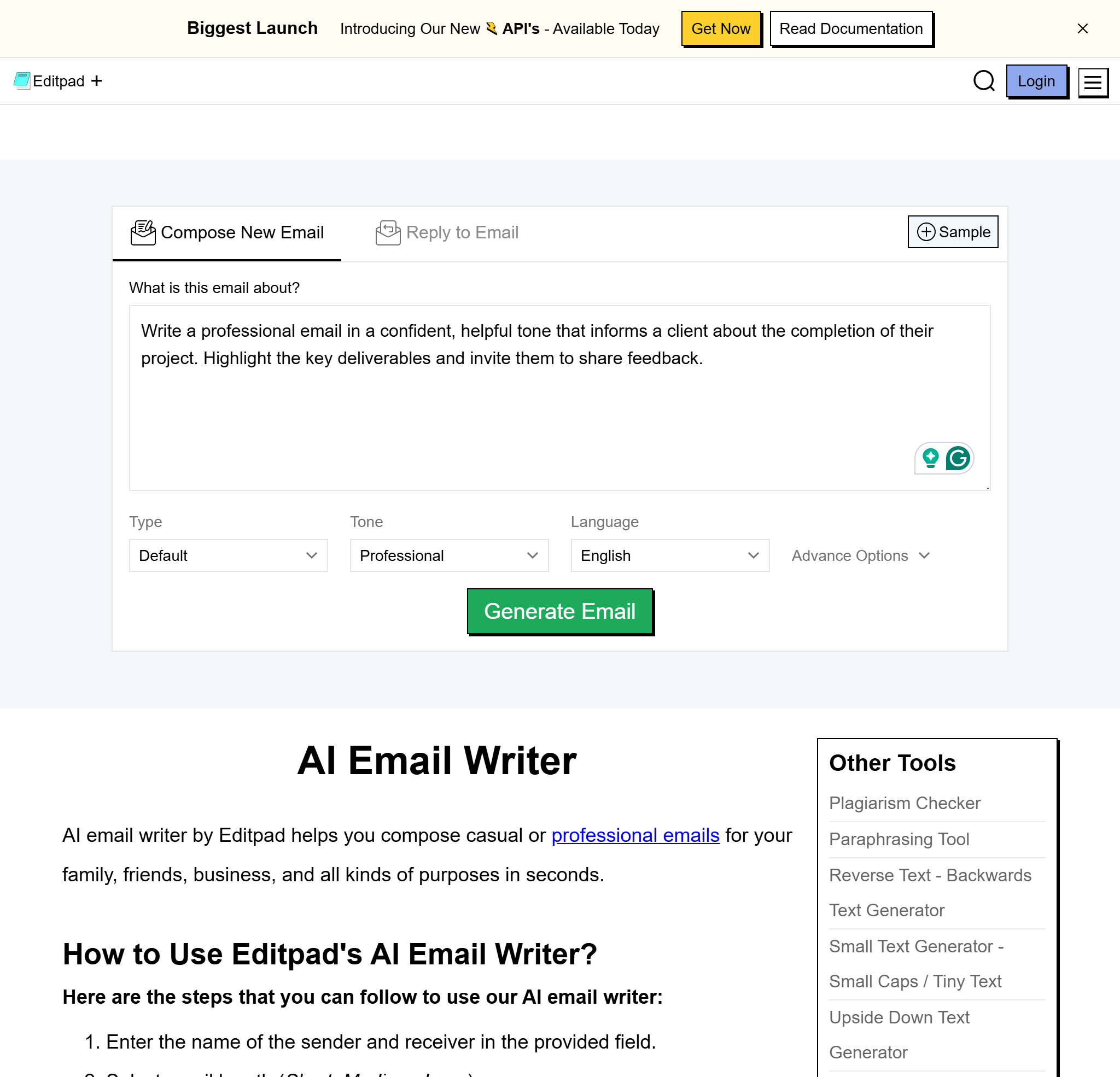
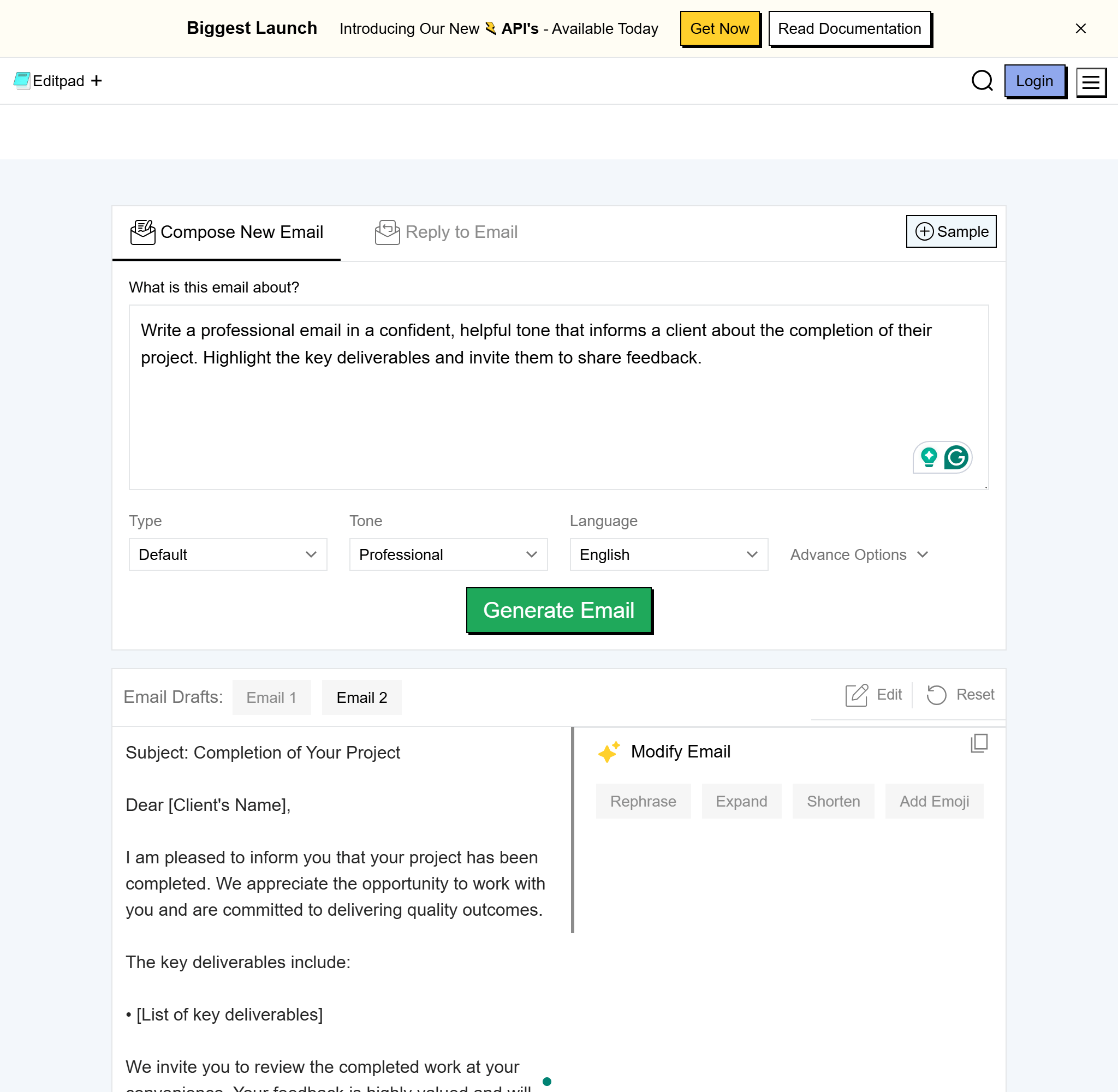
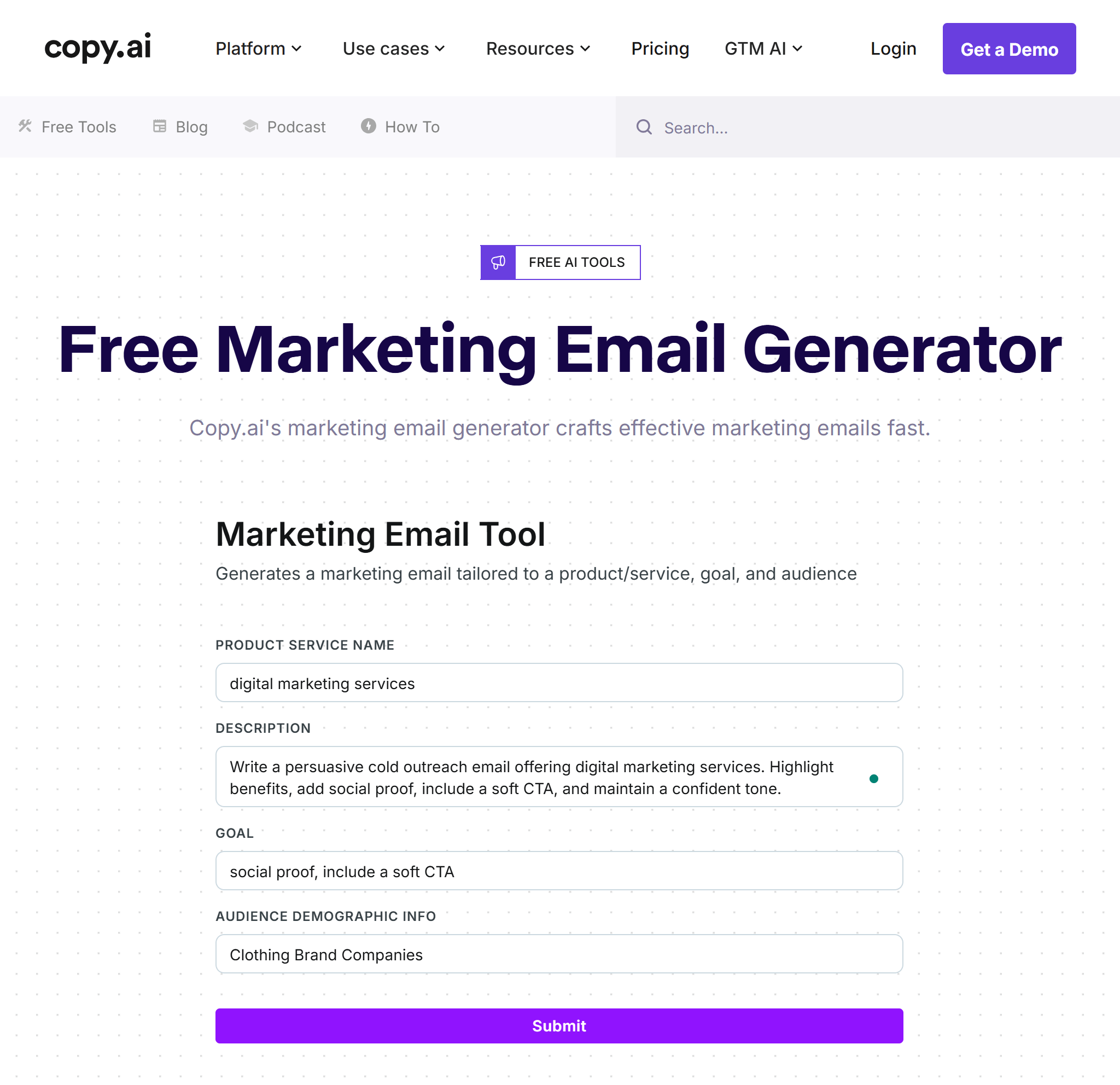
Using Rytr, Toolsaday, EditPad, and EaseMate may be one way of getting an easy and hassle-free email generation AI free service that meets the necessity of daily communications.

AI email tools have no limitation on common communication—they’re able to modify themselves to the particular requirements of each trade.
HR departments are usually heavily dependent on emails; hence, they end up sending hundreds of emails every month. The activities in this area are repetitive, going from job postings to onboarding updates.
Examples of HR Emails AI Can Generate
The use of AI email template generators helps HR departments to save time that is otherwise spent on communication while keeping high standards of professional communication.
Sales agents are highly dependent on emails as the main tool for lead nurturing, service pitching, and prospect follow-up.
How AI Helps Sales Professionals
Emails supported by AI have proven to bring a response rate rise of as much as 35% at maximum.
Customer service and support teams need to reply fast and in a uniform manner — this makes AI a very useful partner.
AI in Customer Service Aids by:
Students always find it hard to write emails that are strictly formal for:
The most excellent AI email generator tools assist them in composing academically fitting messages, which in turn increases their confidence and clarity.
In order to get the most out of any AI email tool, it is important that certain rules are followed.
1. Give Clear Input
Instead of saying:
“Write a follow-up email.”
Try saying:
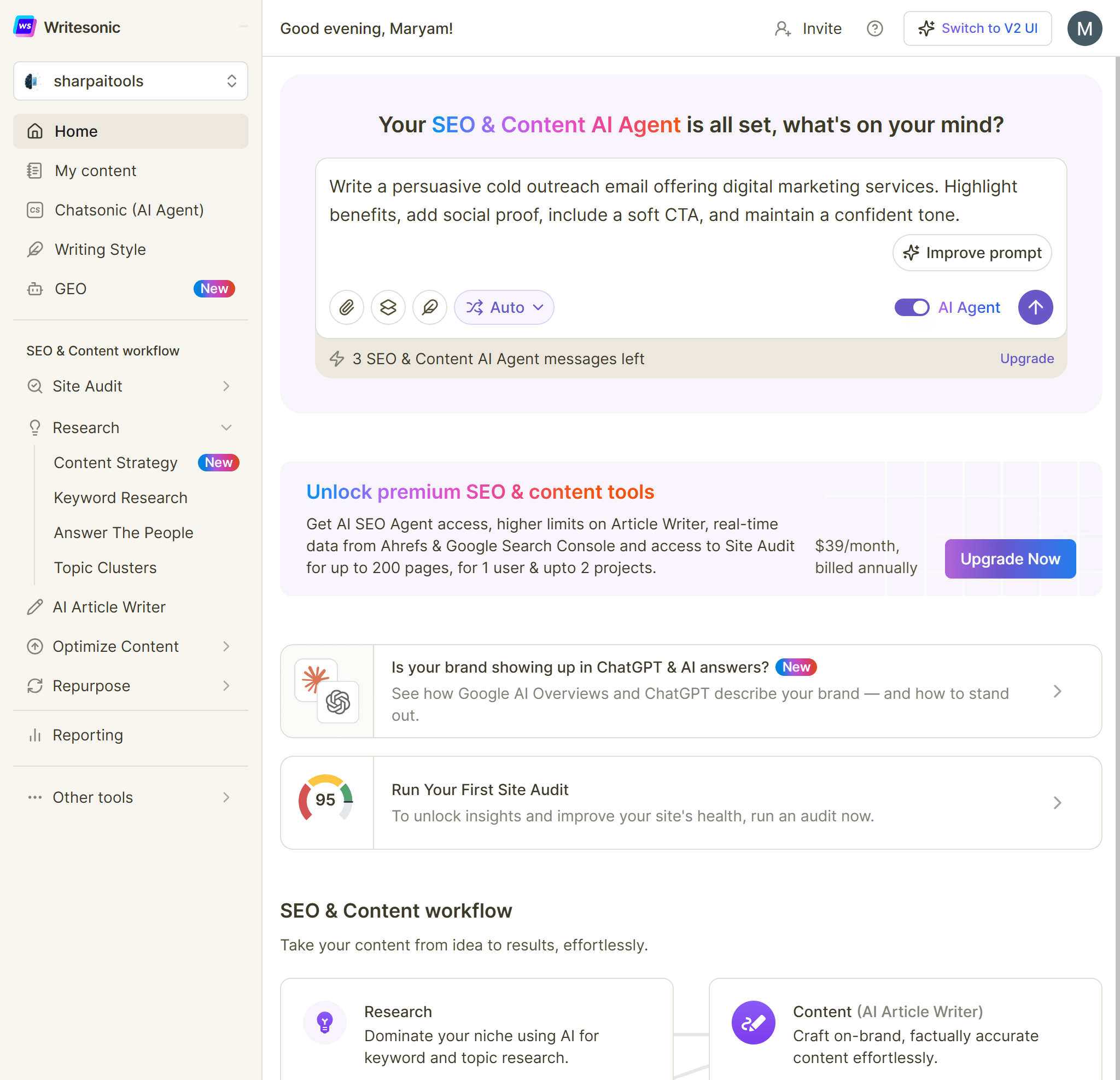
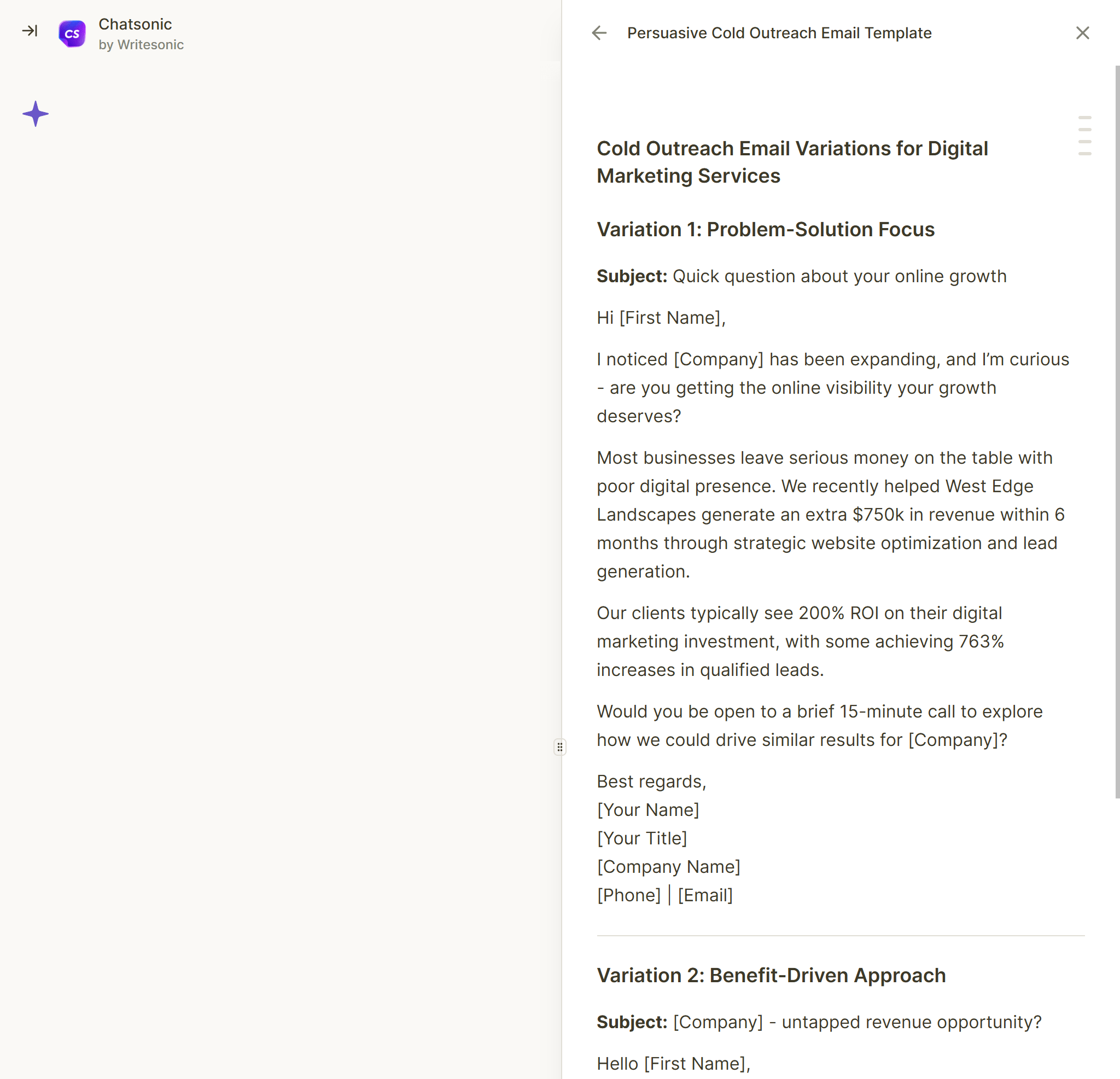
“Follow up with the client regarding the design proposal, confirmation request, and keep the tone polite and professional.”
2. Manually Adjust the Tone
Even if AI creates a draft, ensure that the tone matches your brand identity.
3. Get Rid of Overly Generic Sentences
Modify the email a little to represent your character.
4. Templates for Repetitive Tasks
The majority of AI applications allow you to save templates, so use them to not have to re-write instructions.
5. Keep Emails Short
AI usually creates long text, thus cutting makes it look more professional.
Email generators via AI are robust, yet it is advised to dodge the pitfalls in the process.
Mistakes to Avoid
The following are the top-ranking tools based on their performance, accuracy, and free usability.
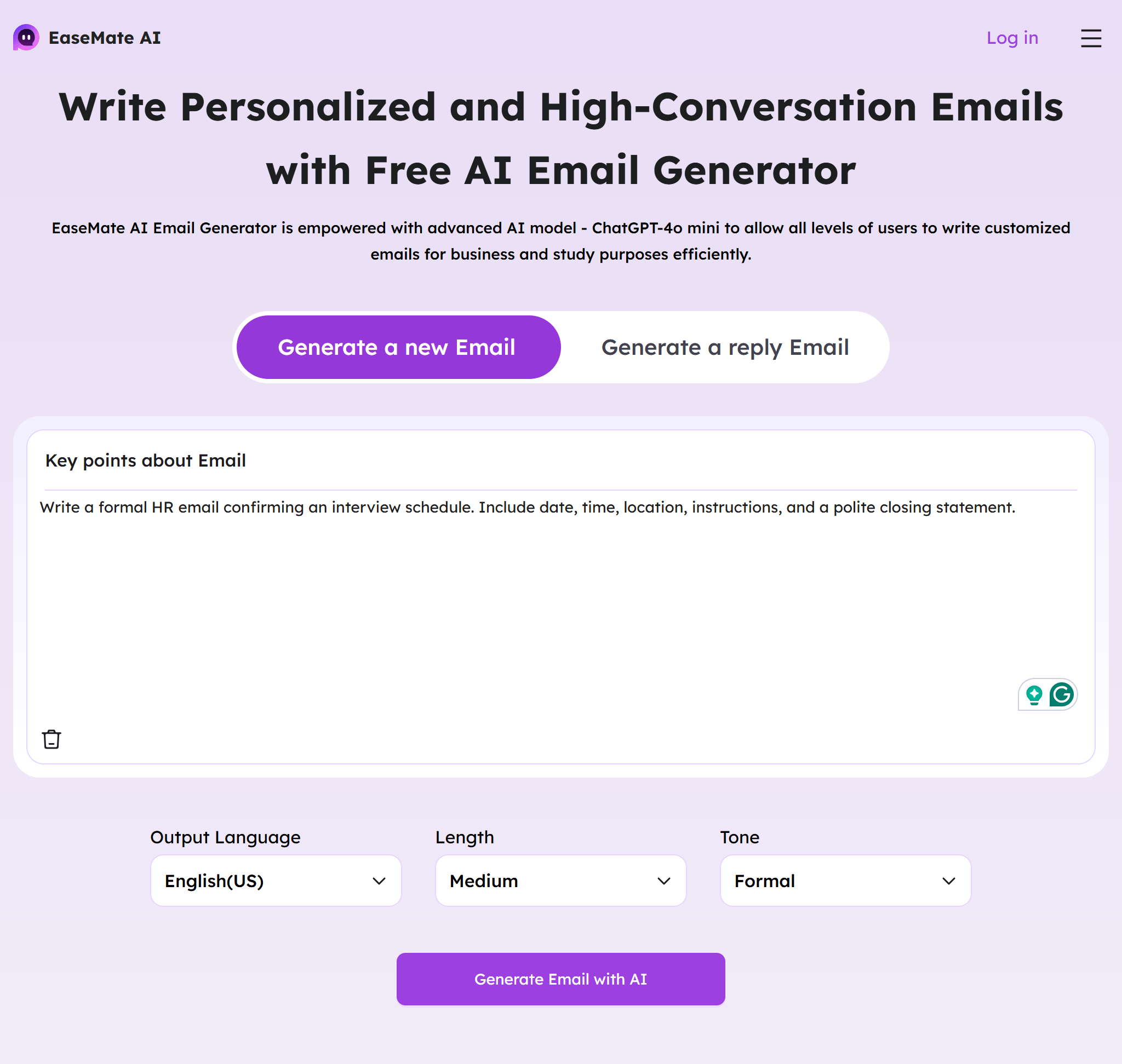
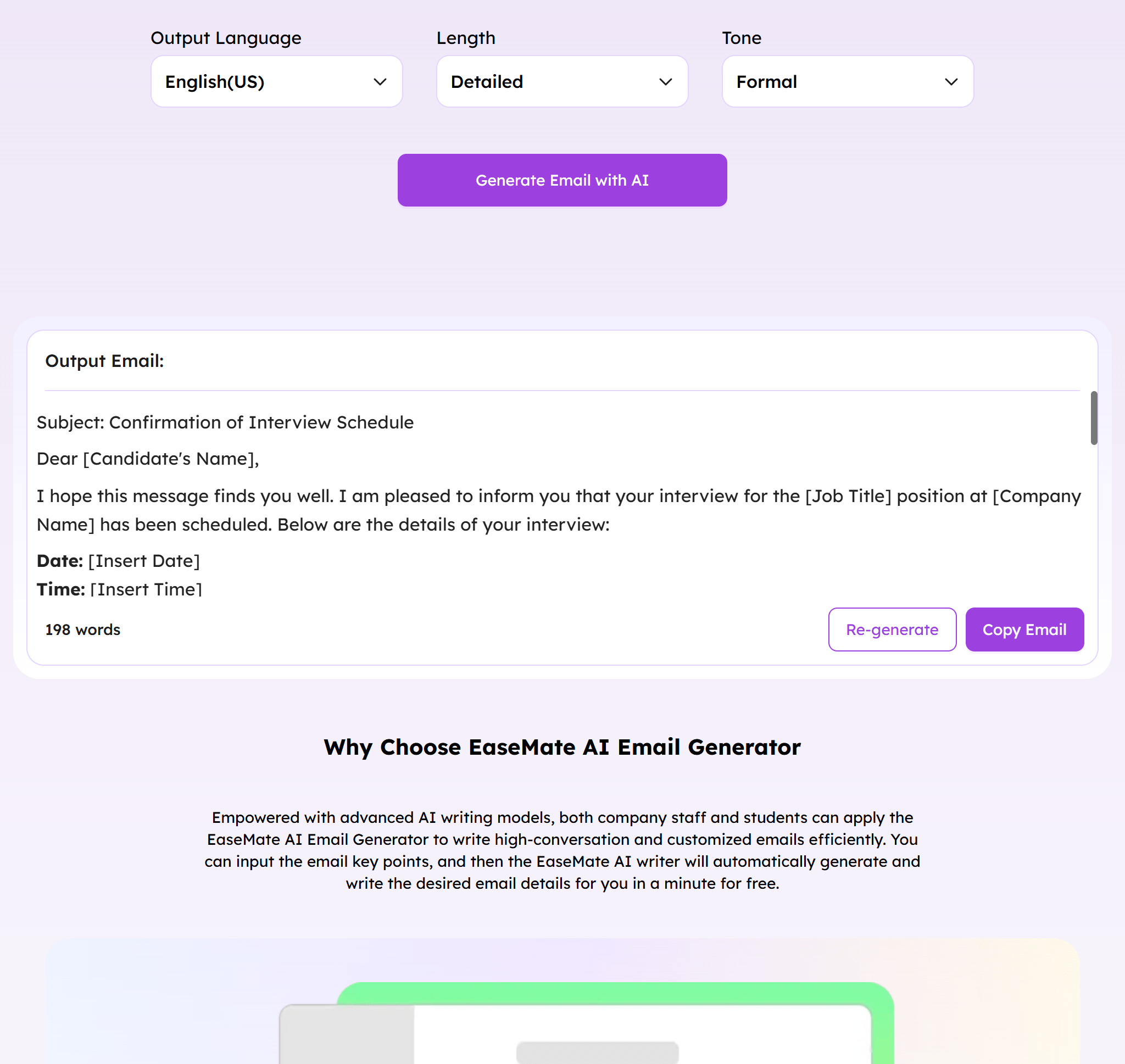
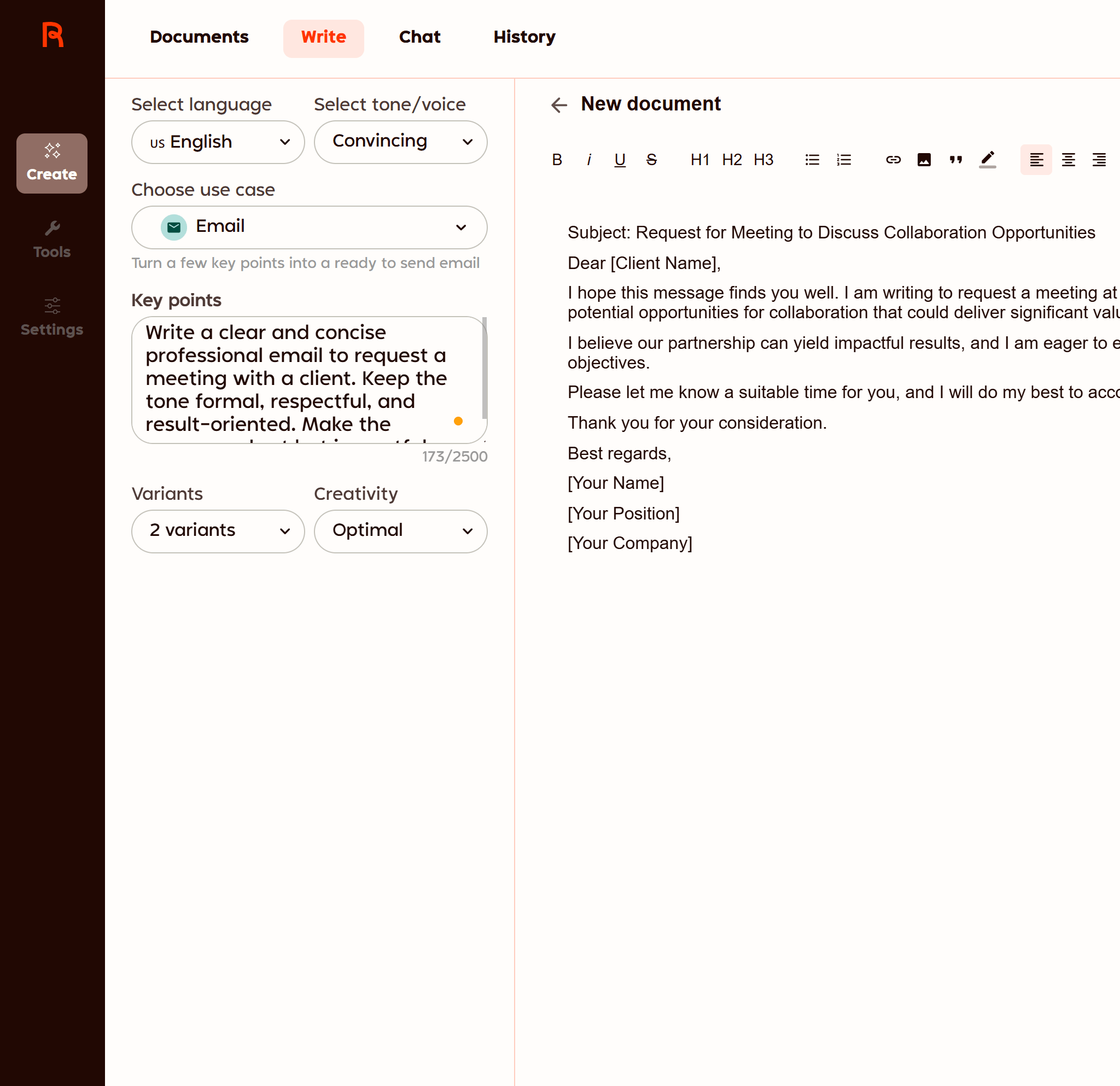
EaseMate is one of the strongest and most user-friendly platforms that can produce emails quickly and professionally. Being an AI email generator free solution, it provides a user-friendly interface that allows professionals to draft emails in seconds. You just put in a little information about your aim, and EaseMate produces polished, sendable drafts right away.
The tool is immensely useful for professionals who are loaded with work and constantly seeking an email writing AI that aligns with their tone and context. It can handle the demand for both a formal business message and a friendly follow-up, and so it comes up with a diverse range of variations. Besides that, it has grammar correction, tone adjustments, and formatting already integrated into it, making it quite clear to read.
EaseMate can be applied to sales pitches, HR communication, customer support emails, announcements within the organization, and many more. It is also an AI email template generator that offers reusable templates for daily correspondence. With all its editing and rewriting support, you can easily alter the content of each message according to your audience.
Pros:
Cons: